Automate Your Product Video Creation
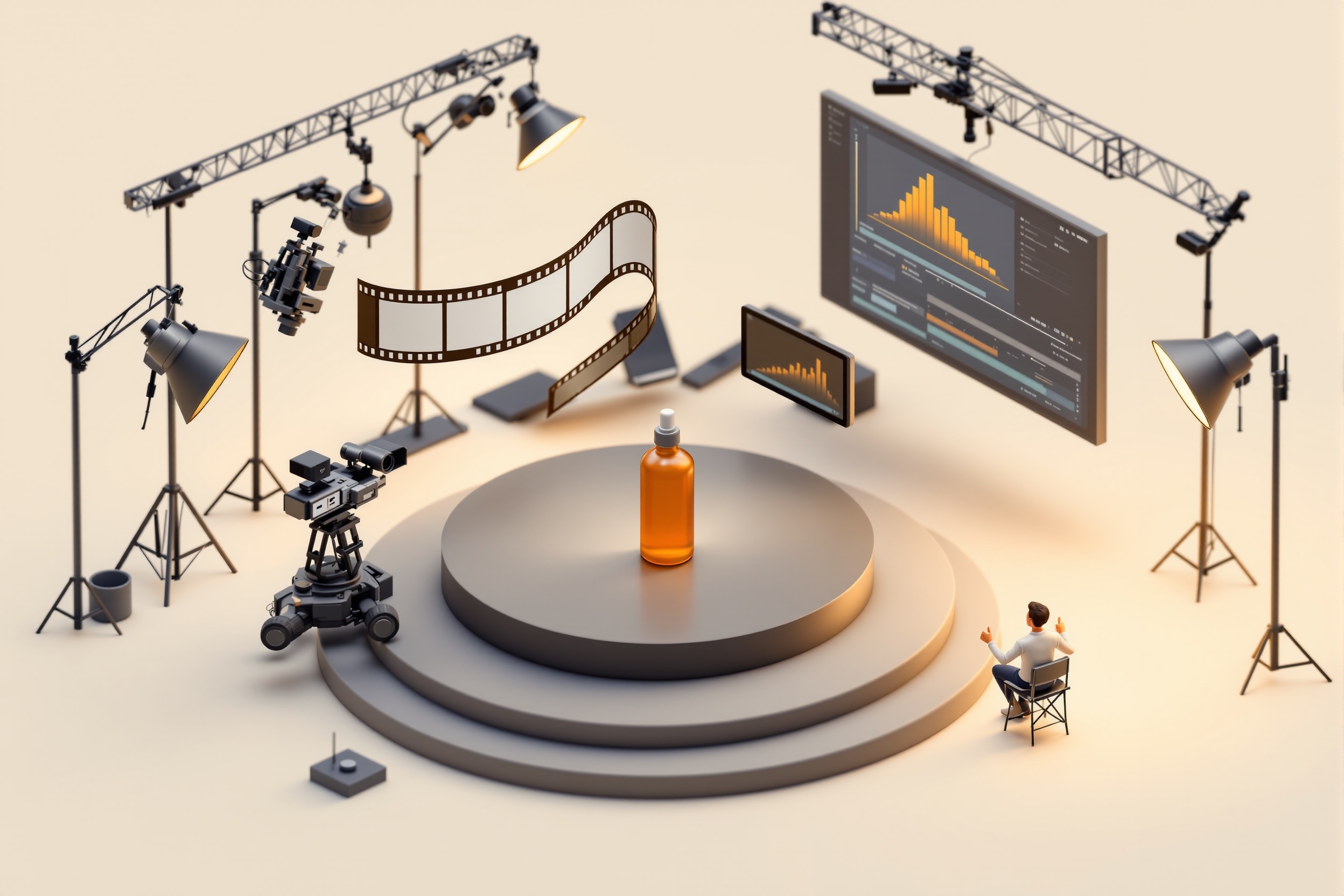
Product photos in, finished marketing video out — AI b-roll, voiceover and your editing style, taught once and reused for every product.
 human-approved ✓
What this replaces
Product video is the highest-converting asset on a listing or ad — and the one most sellers skip, because the manual version means storyboarding, filming or sourcing b-roll, recording a voiceover, editing to a rhythm that fits your brand, and exporting three aspect ratios for three platforms.
So most catalogs get one video for the hero product and nothing for the other forty. The flow below is how you get a video for all forty.
Every step, done for you
Real tools, wired together once. Amber boxes show what GoalGrid learns at each step — that's what makes run #2 faster than run #1.
Script from your listing
ClaudeThe hook, benefit beats and call-to-action are drafted straight from your product copy — one tight 30-second script per platform, in your tone.
It learnsYour hook formulas, banned phrases, and which CTA you always end on.AI video scenes
fal.ai video modelsYour product photos become moving b-roll: slow orbits, lifestyle scenes, macro detail shots — generated per scene of the script, no camera crew involved.
It learnsWhich motion styles you keep (slow orbit yes, whip-pan no) and your scene pacing.Voiceover & sound
ElevenLabsThe script is voiced in your chosen ElevenLabs voice — consistent across every video you ever make — and mixed under a music bed at the right level.
It learnsYour voice pick, reading pace, and music genre.Cut to your style
FFmpegyour editing rulesScenes, voiceover and captions are assembled to your taught editing style — cut length, caption position, logo sting — then exported in 16:9, 9:16 and 1:1.
It learnsEvery editing preference you correct becomes part of the template.You review — then it ships
human approval gateThe finished cut lands in your queue. Approve and it exports to your listing, ad account or content calendar; reject with a note and the note becomes a rule.
It learnsRejections teach the flow faster than approvals do.
Teach it once. It's yours forever.
You teach the flow once, on one product: pick the voice, correct the pacing, tell it captions go bottom-center and the logo sting lasts one second. GoalGrid attaches each decision to the flow as a rule.
From then on, "make a video for the new SKU" is the entire brief. The flow already knows your style — daily video output stops being a production project and becomes a review queue.
10× more video output from the same weekly hours.
Common questions
What does this flow actually use to make the videos?
fal.ai video models turn your product photos into moving scenes, ElevenLabs generates the voiceover, and FFmpeg assembles scenes, captions and music to your taught editing template. You connect your own fal.ai and ElevenLabs keys once.
Will every video look the same?
They share your style — voice, pacing, captions, sting — which is exactly what makes a brand recognizable. The scenes, script and hook are generated fresh per product.
Can I use it for daily content, not just listings?
Yes. Once taught, the same flow runs on a schedule: point it at a product, a promo, or a piece of content each day and review the cut it sends back.
Ready to build this flow?
Connect your tools, teach GoalGrid your corrections on the first run, and keep the trained flow forever.
Run your company — teach your first flow